The 6 Best Laser Cutters for Small Businesses in 2026
The best machine for that shop is different from the best machine for someone who sells one style of wooden ornament. Before you look at wattage, think about the work you can sell every week and what it takes to get each order out the door.
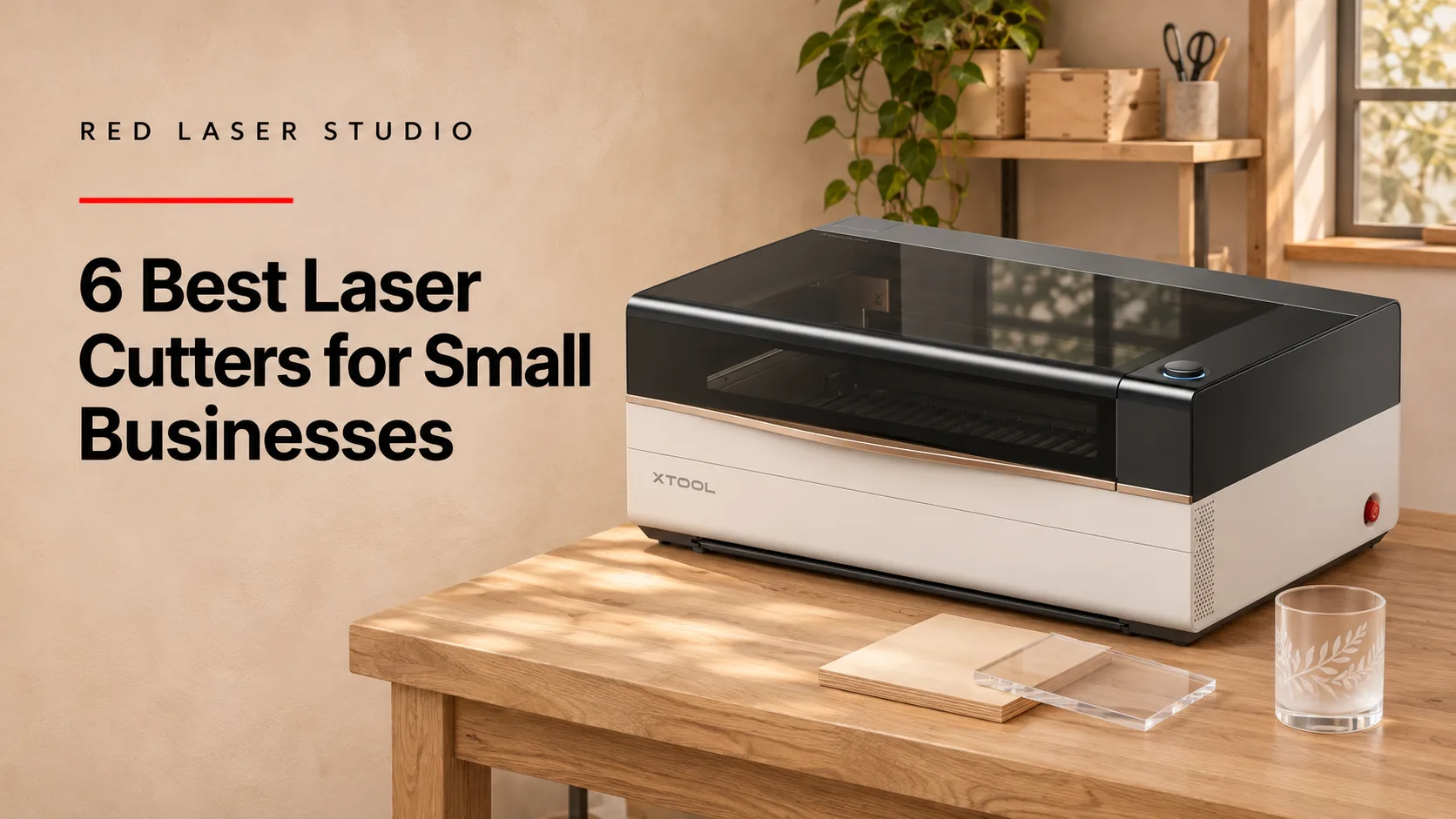
A laser cutter might spend Monday engraving a dozen whiskey glasses, Tuesday cutting acrylic letters, and Wednesday filling a sheet with parts for a repeat customer. The best machine for that shop is different from the best machine for someone who sells one style of wooden ornament. Before you look at wattage, think about the work you can sell every week and what it takes to get each order out the door.
The xTool P3 is our best overall pick for a small business that wants to cut wood and acrylic, engrave glassware, and run batches on one machine. We use the P3 for glass engraving at Red Laser Studio. The five other picks are editorial recommendations based on manufacturer documentation and how their capabilities fit different production workflows.
The order reflects our priorities for a mixed-material small shop, including usable work area, setup time, software, accessories, and total cost. The guide uses published specs and U.S. price references, which can change with bundles and promotions. Compare the machines at a glance
Rank and machine | Best for | Usable flat work area | Laser source and power | U.S. price reference |
|---|---|---|---|---|
1. xTool P3 | Mixed orders, custom drinkware, and batches | 36 × 18 in. | 80W glass-tube CO₂ | About $6,600 |
2. OMTech Polar S | Best-value desktop CO₂ | 23.6 × 12 in. | 55W glass-tube CO₂ | $2,399.99 standard bundle |
3. Thunder Laser Nova Plus 35 | Frequent batches and larger sheets | 35.4 × 23.6 in. | 60W or 80W metal RF CO₂ | From $11,000 |
4. AEON MIRA 7S | LightBurn shops that want a choice of tube types | About 27.6 × 19.7 in. | 60W glass-tube or 60W metal RF CO₂ | $8,999 shown for glass-tube configuration |
5. xTool S1 40W | Entry-level wood and opaque acrylic products | 19.6 × 12.5 in. | 40W blue diode | About $1,300 for a dealer-listed Deluxe bundle |
6. Glowforge Pro HD | Camera-guided flat projects and thin signs | About 19.5 × 11 in. | 45W glass-tube CO₂ | $7,999 |
Working area is the area the laser can reach in one flat setup. A sheet that fits inside the enclosure can be larger than the area you can actually cut. Pass-through slots and conveyors extend what you can process under specific width, thickness, and setup limits. Prices exclude costs such as tax and any required freight, installation, or accessories.
1. xTool P3 80W CO₂ · Best overall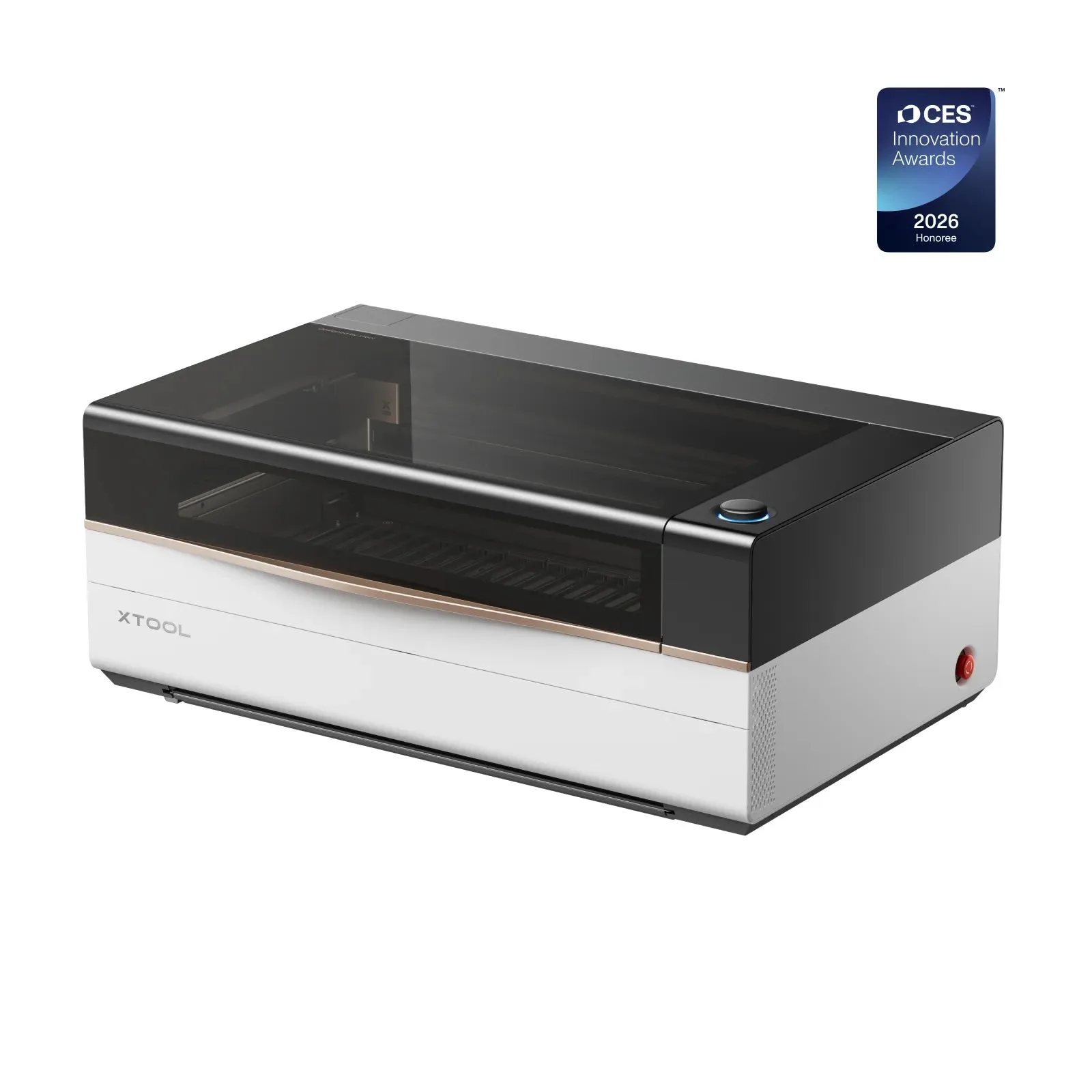
Available accessories RA3 rotary, automatic conveyor, S and L focus lenses, optional 5W infrared module and CMYK inkjet module, SafetyPro AP2 Max purifier, and IF2 2.0 inline exhaust fan. xTool also lists RA2 compatibility, with rotary autofocus available on RA3. Confirm bundle contents before ordering.
The P3 earns first place because it handles the mix of work that keeps a small custom shop busy. The 36-inch width lets you lay out multiple signs, ornaments, or fixture positions in one setup. Cameras and autofocus help when the job changes from an acrylic sheet to a tray of blanks. The motorized lifting base and optional RA3 make it a practical choice if pint glasses, whiskey glasses, and tumblers sit alongside flat work in your catalog. For drinkware, bring the actual blank you intend to sell to a demo. Taper, diameter, and the clearance around the rim or handle can determine how reliably you can run a repeat order.
Pros
- Wide cutting area with enough power for a varied wood and acrylic catalog.
- Camera positioning and automatic focus help with frequently changing layouts.
- Rotary and conveyor options let the same machine handle round products and longer flat stock.
- Strong fit for a shop selling both personalized goods and short-run fabrication.
Cons
- The 18-inch depth can limit sheet nesting. A nominal 24-inch-deep panel exceeds the active depth in one placement.
- xTool specifies desktop xTool Studio. Shops that depend on LightBurn should plan for a different workflow.
- The rotary, conveyor, and extraction setup can raise the installed price materially.
- The standard AP2 lacks sufficient airflow on its own. xTool recommends the AP2 Max for filtration or the IF2 2.0 inline fan for an appropriate exhaust setup.
Buy from xTool · Manufacturer specifications · xTool software, optics and exhaust FAQ
2. OMTech Polar S 55W CO₂ · Best-value desktop CO₂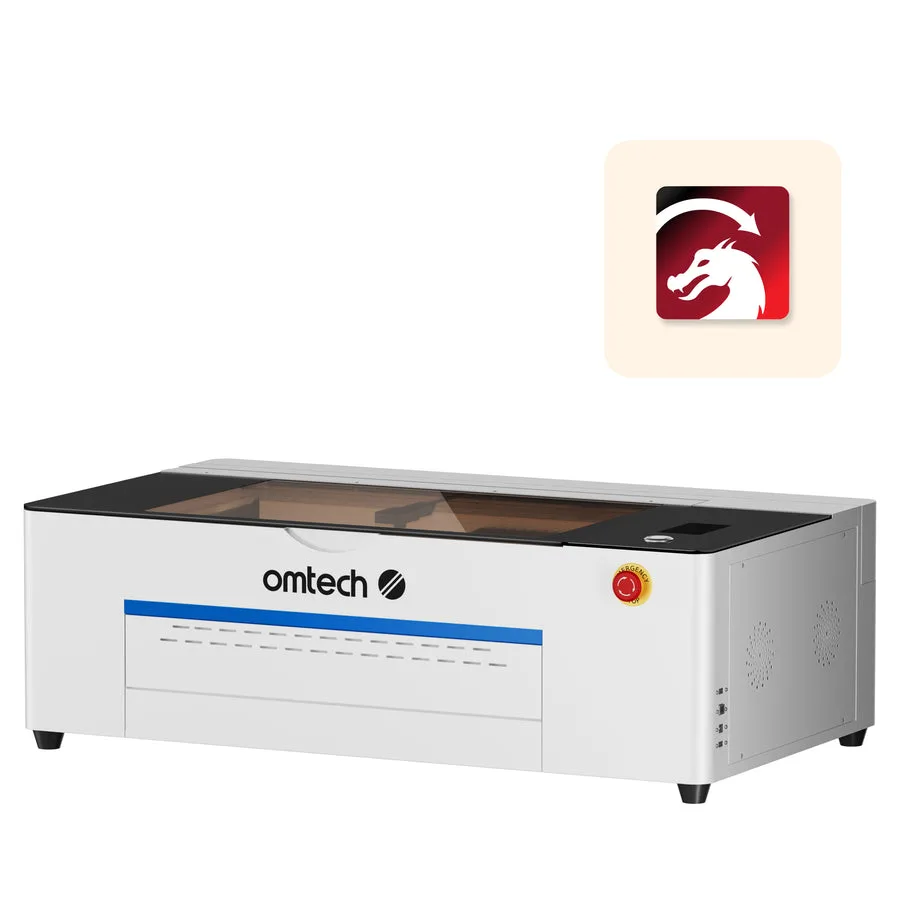
Available accessories OMTech lists a rotary bundle with the rotary axis and LightBurn. The machine listing shows honeycomb and slat work surfaces, internal water circulation, a camera, autofocus, and a front-to-back pass-through. Check the current package for exactly what ships with it.
The Polar S makes sense for a shop whose products already fit a roughly two-foot-wide bed. Think acrylic place settings, small retail displays, wooden tags, engraved plaques, and short runs of awards. Its biggest advantage over a lower-priced blue diode is material range. If clear acrylic is in your catalog, you can start with a CO₂ machine and still leave money for stock, fixtures, exhaust, and packaging. For batches, the 12-inch depth is the dimension to watch. Lay out a full order in your design software first and see how many rows fit after you allow space between pieces.
Pros
- The lowest-priced CO₂ option in this guide, with clear acrylic cutting capability.
- Camera and autofocus support placement of small blanks and offcuts.
- LightBurn is included in the standard bundle referenced here.
- An optional rotary bundle gives a growing gift shop a path into cylindrical work.
Cons
- A 12-inch working depth may be the first limitation a growing shop hits.
- The pass-through helps with length. Product width and material thickness still have to fit the slot.
- The 55W tube offers less rated power than the P3 for cutting-heavy schedules. Compare completed parts using your actual material.
- Rotary clearance and the diameter range of the specific attachment should be checked before buying blanks in bulk.
Buy from OMTech
3. Thunder Laser Nova Plus 35 · Best for production batches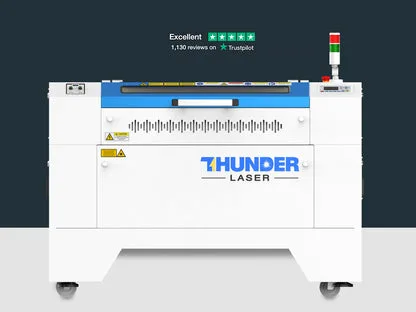
Available accessories Rotary attachment and optional focal-length heads. Thunder lists an overhead camera and pass-through capability for the series. Verify the head, cooling equipment, exhaust hardware, and rotary in your written quote.
The Nova Plus 35 is the production pick for a shop that repeatedly fills its bed with parts. Its working area is slightly narrower than the P3’s and about 5.6 inches deeper. On a job where that extra depth fits another row of acrylic letters or wooden components, the machine can reduce how many times someone has to reload, align, and restart the job. The metal RF source is also worth evaluating if you engrave fine lettering and detailed graphics alongside cutting. Ask Thunder to run your smallest text and thickest regular material on both power options before deciding which one deserves the upgrade.
Pros
- Deep work area is useful for nesting parts, fixtures, and repeat layouts.
- Choice of two RF power configurations for engraving and cutting workloads.
- LightBurn workflow, rotary capability, and feed-through support.
- Floor-standing format and generous vertical workspace suit a dedicated production area.
Cons
- Higher entry price and a larger installation commitment.
- Thunder’s U.S. help center lists about 602 lb net and 825 lb crated. Plan receiving, access, and placement before the machine arrives.
- The 23.6-inch active depth is slightly short of a full 24 inches. Check sheet sizes and edge margins if your design depends on all 24 inches.
- Adding RF power, accessories, and freight can raise the quote. Compare the actual configurations you would buy.
Buy from Thunder Laser USA · Manufacturer specifications · Machine and crate dimensions
4. AEON MIRA 7S · Best for choosing between glass and RF CO₂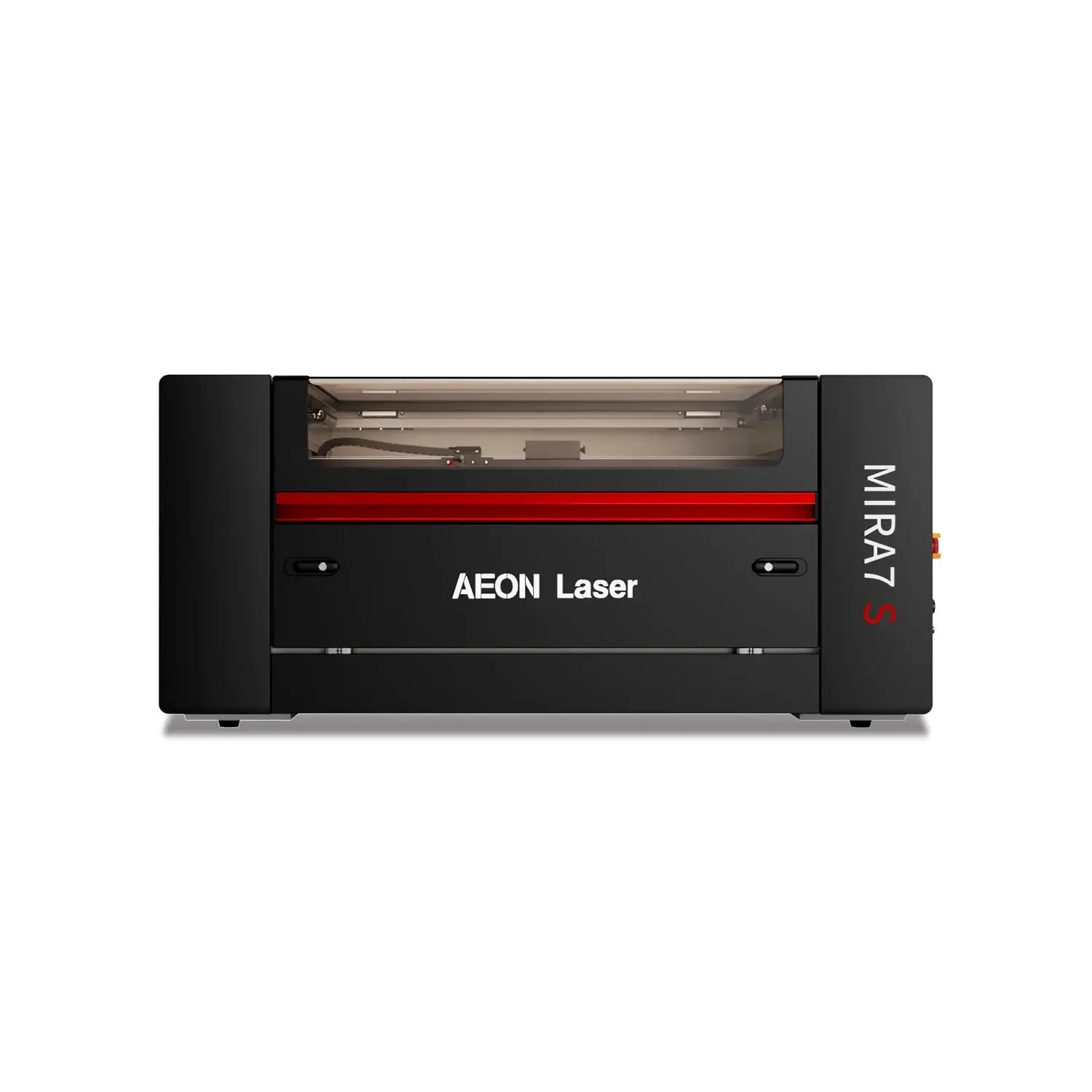
Available accessories Compatible rotary attachments for cylindrical work. AEON also lists a MIRA head upgrade that adds a wireless AEON Eye camera and upgraded air-assist hardware. Check availability and what the current configuration includes.
The MIRA 7S appeals to shops that want a deeper work area and a familiar LightBurn workflow in a bench-format machine. The choice of tube is the interesting part. Both versions are nominally 60W, but their performance on fine engraving and cutting deserves a sample comparison. If you primarily cut acrylic and plywood, start by pricing the glass-tube configuration. If tiny lettering, detailed graphics, and engraving-heavy repeat orders drive sales, ask AEON to show you the RF version on the same files and stock. The bed depth also makes it easier to fit deeper panels or an extra row of small parts compared with a 12-inch desktop bed.
Pros
- Almost 20 inches of working depth for wider fixtures or more rows of parts.
- A choice of glass or metal RF CO₂ in the same working format.
- LightBurn and support for rotary work fit an established production workflow.
Cons
- The published glass-tube price is already a substantial investment. Request a separate RF quote.
- About 396 lb according to AEON’s series data sheet. Plan a suitably rated stand and a route into the shop.
- The 27.6-inch working width limits layouts that fit on the P3 or Nova Plus 35.
- Verify camera and optional head availability for the exact order before budgeting around those features.
Buy from AEON Laser USA · AEON series data sheet · MIRA accessory information
5. xTool S1 40W diode · Best first machine for a wood-focused catalog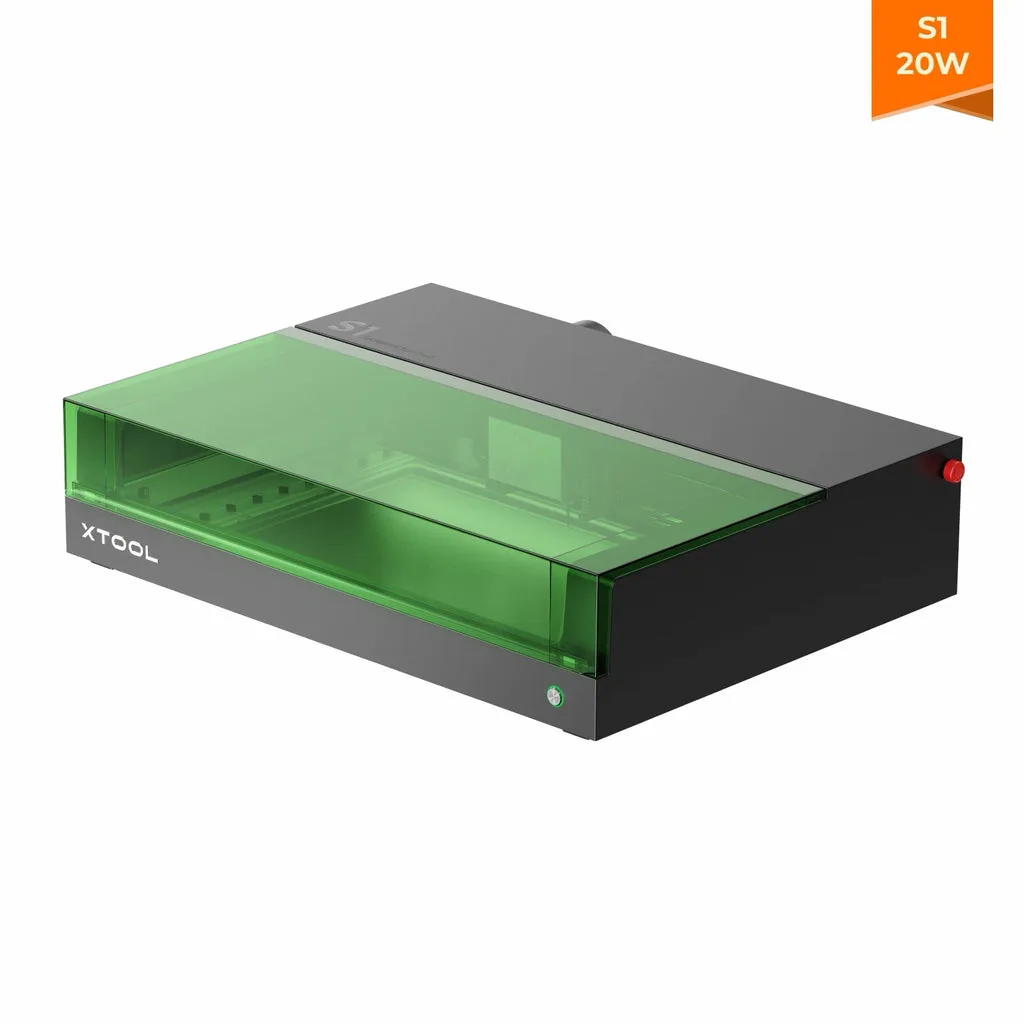
Available accessories Smart air assist, honeycomb panel, riser base, compatible rotary attachment, automatic conveyor and extension rail, and a separate 2W infrared module. Accessory inclusion depends on the bundle. Check software support for rotary and conveyor workflows before buying.
The S1 is the best fit here for someone launching a focused catalog of wood ornaments, gift tags, engraved boards, or products made from suitable opaque acrylic. Its appeal is the amount of money you can put into inventory and customer acquisition while keeping the machine investment modest. The trade-off shows up as soon as your catalog expands to clear acrylic or regular glassware engraving. A blue diode depends on the material absorbing visible light, so clear acrylic is a reason to start with CO₂. The optional infrared module adds a separate marking capability for certain materials. Budget around what your five best-selling products actually require.
Pros
- Lower entry cost with an enclosed format for a wood-focused launch.
- A practical working area for smaller personalized items and repeatable fixtures.
- Air assist, rotary, riser, and conveyor options allow you to build around your product mix.
Cons
- Unsuitable for cutting clear acrylic with the blue-diode module.
- Thick or frequent cutting can take more passes and operator time than a CO₂ setup. Time a representative batch.
- Uses a point-based positioning workflow. Buyers who want a camera image of the bed for layout should compare the Polar S or P3.
- LightBurn features differ from xTool’s native workflow. Check current compatibility if you depend on a specific accessory.
Buy the 40W configuration from 3D Universe · xTool specifications · LightBurn device documentation
6. Glowforge Pro HD · Best for camera-guided flat projects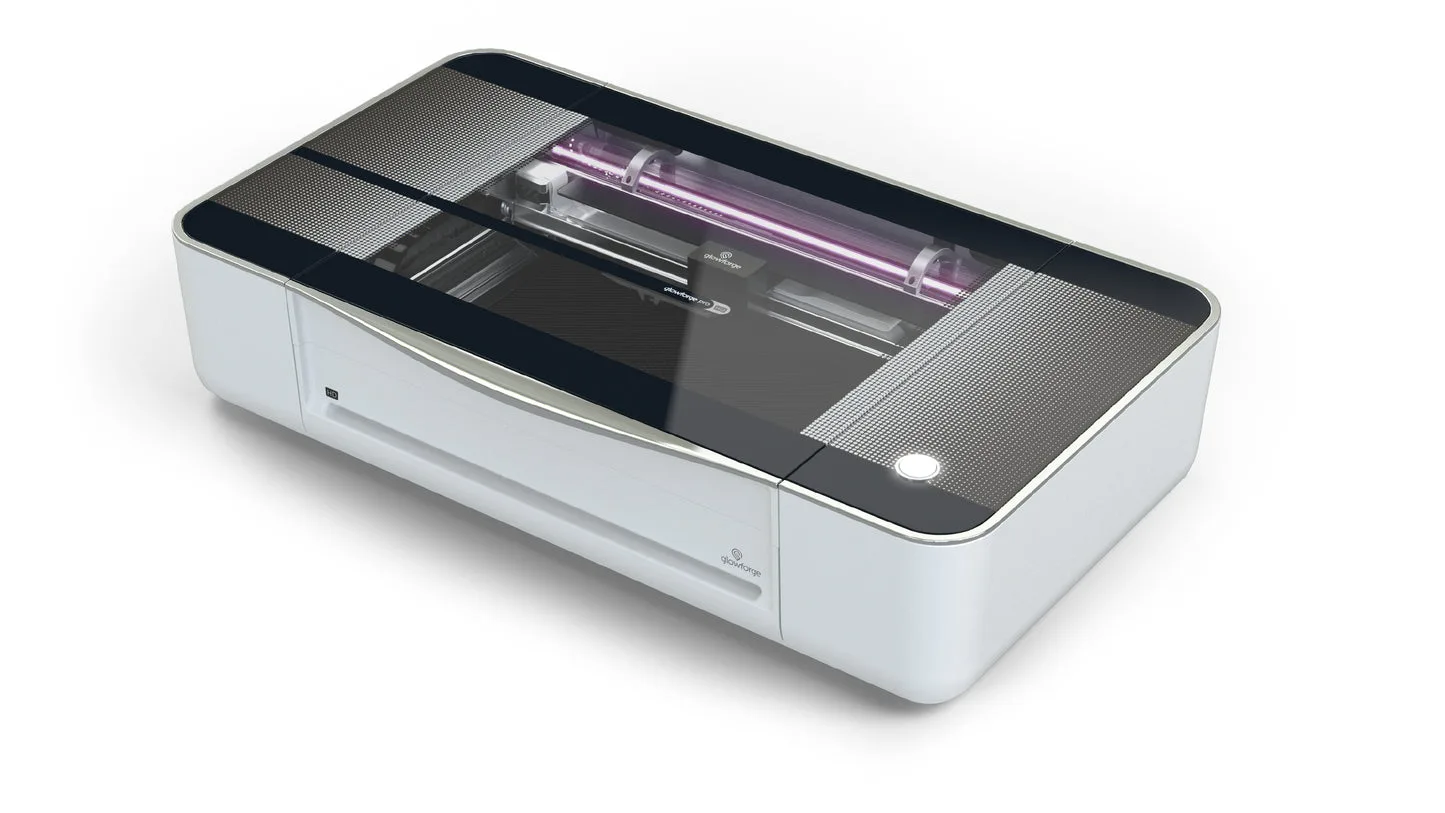
Available accessories Performance Laser Filter and replacement cartridges. Pro Passthrough is built in. The machine includes access to the core Glowforge Print software, and Glowforge offers optional Premium features.
The Pro HD is most appealing when the work stays flat and the people using the machine value camera-guided setup. Think branded presentation pieces, tabletop signs, acrylic displays, and personalized wooden products. The live camera and preview tools can help a small team get comfortable with placing jobs. The pass-through is useful when a long, thin sign is part of the catalog, but the beam still covers a compact area per placement. A shop that spends most of the week cutting bigger sheets or engraving tumblers will get more relevant capability elsewhere on this list.
Pros
- Live camera and preview tools suit teams that want visual placement.
- Built-in pass-through for appropriately sized long, thin stock.
- Slim benchtop format and an available manufacturer filtration option.
Cons
- At $7,999, the usable flat area is small for the price.
- Internet connectivity is required. Downtime can affect the ability to run orders.
- Glowforge does not list a manufacturer-supported rotary for the Pro HD. A rotary-capable CO₂ model is the better fit for wraparound drinkware.
- Confirm the Pro Passthrough material limits and follow the model-specific Class 4 operating instructions.
Buy from Glowforge · Performance Series specifications · Connectivity requirements
How to choose the right laser for your shop
If you plan to cut clear acrylic or engrave suitable glass regularly, start with the CO₂ options. For a catalog centered on wood and compatible opaque materials, the S1 can keep startup spending down. If your intended work is direct engraving on bare metal, especially deep marks, add a dedicated fiber laser to your research. A coated tumbler, a marking compound on metal, and deep engraving into bare metal are three different jobs. For drinkware, ask for a sample on the exact glass or tumbler you will stock, including the actual artwork and placement.
Take the largest order you expect to repeat and nest the parts inside each machine’s active work area. Add space for hold-downs, edge margins, and separation between parts. Calculate how many pieces fit per load and how many loads the order takes. Compare the time for framing, focusing, clearing the bed, and reloading as well as the beam time. A second row of parts on every load can matter more than a higher advertised top speed, particularly when one operator also handles packing and customer service.
Send the same file and the same material to each vendor. Ask for the complete cycle time, the number of passes, and a close-up of the finished edge or engraving. For cutting, look at the back as well as the front and check whether the parts release cleanly. For engraving, look at fine lettering and consistency across the whole bed or around the glass. If the vendor can only demo a single piece, repeat the test on a full fixture after installation before you commit to a customer deadline.
Include the machine, shipping, stand, exhaust or filtration, filter replacements, rotary, software, fixtures, and initial materials. Ask about replacement tubes or RF source service, lens and mirror availability, warranty coverage, and who pays freight for large repairs. Then divide that investment by what you actually keep from each completed job after materials, direct labor, packaging, and transaction fees. For example, a $7,500 installed setup earning $25 in contribution per sale takes 300 sales to recover the initial outlay, before general overhead. For a shop with tight capacity, also compare contribution per operator hour.
Know how the machine enters the building, what circuit it needs, where exhaust will go, and where long stock can enter and exit. Follow the manufacturer’s requirements for ventilation and operating clearance, supervise running jobs, and keep PVC and vinyl of unknown composition out of the laser. Budget time for cleaning the bed and exhaust path, along with replacement filters where applicable. Fire detection and automatic features support supervision. MIT laser cutter safety guidance
For a small shop selling signs, gifts, and engraved drinkware, the xTool P3 is where we’d start. The Polar S makes more sense when your products fit its bed and you’d rather put more of the startup budget into inventory and sales. If larger sheet jobs already make up a recurring share of revenue, price the Nova Plus 35 and have Thunder run your actual layouts. The right purchase is the machine that makes your regular orders easier to produce and gives you room to take on the next kind of work you want to sell.
If you have a design ready and want to see what a short production run costs before investing in equipment, our laser cutting cost guide explains what goes into a quote.