What Do I Need to Get a Laser Cutting Quote?
Find out what to send for a laser cutting quote, what makes a file production ready, and how Red Laser Studio can turn your sketch, photo, or artwork into a file ready to cut or engrave.
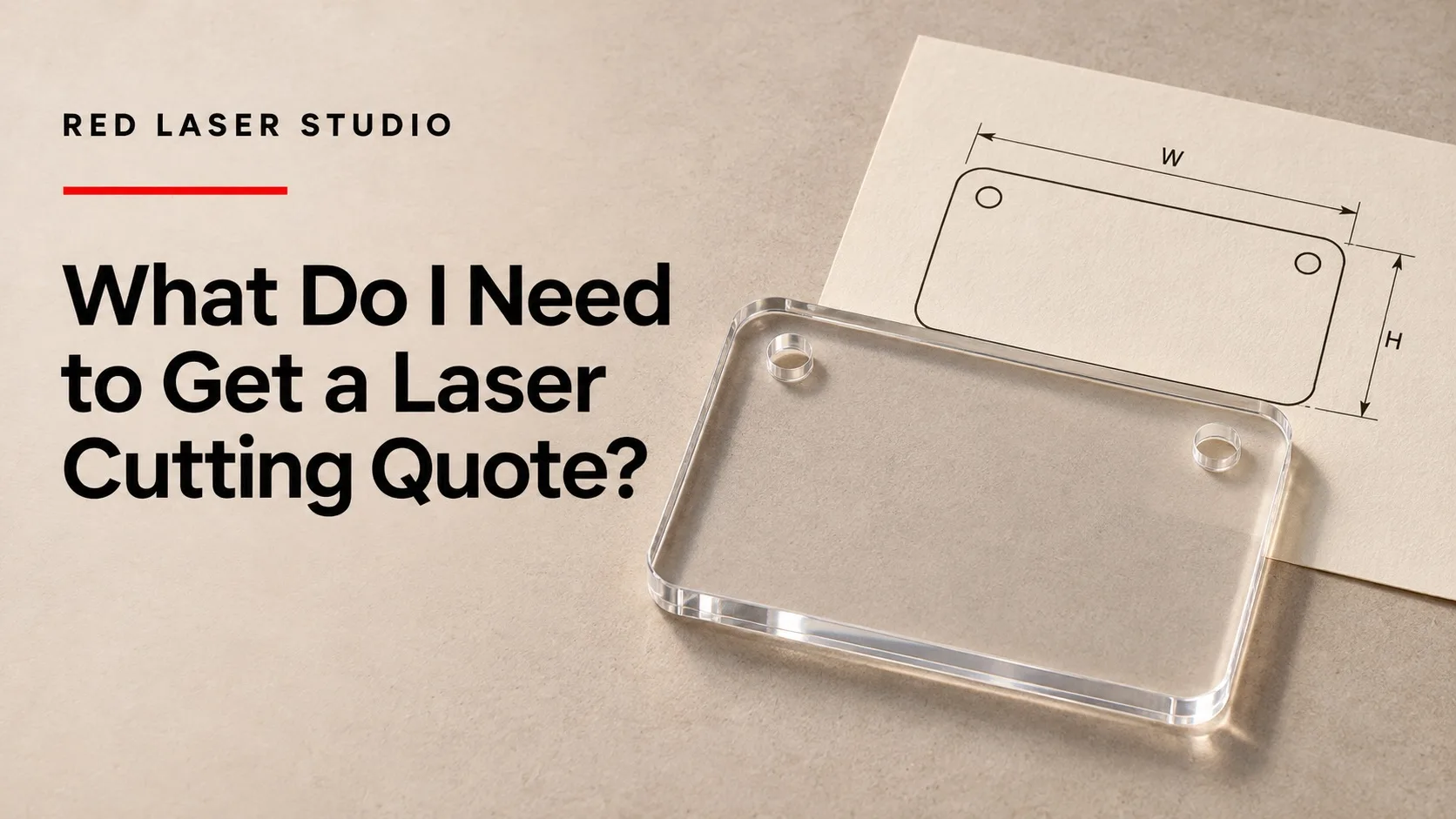
If you’ve never ordered laser cutting before, it can be hard to know what to send. Do you need a finished design file? Can you send a sketch? What if you know the size of the part but have no idea what material to use?
A finished, production ready file is always the best starting point. It lets us see the exact shapes, dimensions, and details you want cut or engraved, which helps us quote the work accurately.
If you don’t have a production ready file, you can still get started. Red Laser Studio offers a design service to help turn your sketch, reference image, or existing artwork into a file we can use for laser cutting or engraving. Send us what you have and tell us what you want to make. We’ll let you know what information we still need and whether your project requires design work before production.
For the most complete quote, include your design or sketch, the finished dimensions, the material and thickness if you know them, the quantity, and the date you need the pieces. Here’s what each of those details tells us.
1. Send a production ready file if you have one
A production ready file is the final digital drawing of the part you want made. It contains the actual paths the laser needs to follow, at the correct size, with enough information to tell us what to cut and what to engrave.
Think of an acrylic panel with two mounting holes and an engraved logo. A picture of the panel shows what it should look like. A production ready drawing gives us the exact outline of the panel, the size and location of both holes, and the artwork for the logo. We can open the file, verify the dimensions, and see how the job is meant to run.
A good production ready file has a few things in place.
-The drawing is at its actual finished size. If the panel should be 6 inches wide, the drawing should measure 6 inches wide when we open it. Include an overall measurement and the units in your message so we can double check the scale.
-The cut lines are vector paths. A vector path is a digital line or curve the laser can follow precisely. An SVG, DXF, or vector PDF can contain these paths. A photo or screenshot can show us the shape, but we may need to redraw it to create the cut lines.
-The cut paths are clean. Outlines and holes should form complete shapes, with no gaps or duplicate lines. Duplicate paths can cause the laser to go over the same spot twice.
-Cutting and engraving are clearly identified. Separate layers or colors can help. A note works too, especially if you’re sending a drawing and an artwork file separately. For instance, “Cut the outline and both mounting holes, engrave the logo on the front.”
-Any lettering is ready to use. If the lettering is part of a vector drawing, converting the text to outlines preserves its appearance when we open the file on another computer. Double check spelling before sending the final version.
The file extension only tells us part of the story. A PDF exported from a drawing program may contain usable cut paths. A PDF made from a scan may contain a picture of the drawing. The same goes for an SVG with a photo placed inside it. If you’re unsure what you have, send it anyway. We can take a look and tell you whether it can be used as supplied.
2. If you don’t have a production ready file, use our design service
You don’t need to learn design software to get a part laser cut. Our design service can help prepare the digital file from the information you already have.
If you have a hand sketch, mark the overall size and label any holes, slots, openings, or rounded corners. A clear picture of the sketch is enough to start the conversation. If there’s a dimension you haven’t decided on, leave a note so we know it’s open.
If you have an existing flat part you want to reproduce, take a photo straight from above and include a ruler for reference. Write down the measurements that matter, particularly the overall size and the location of any holes or slots. A photo helps us see the shape. Written dimensions are important when the new piece needs to fit something you already own.
If you have a logo, illustration, or screenshot, send the best version you have. If you also have the original artwork, include it. We can review whether it needs cleanup, resizing, or redrawing. Tell us how large you want it on the finished piece and point out any details you want to preserve.
If you have a reference photo and an idea, tell us what you like about the reference and what you want to change. You might like the shape of an acrylic display you saw online but need a wider base or different mounting holes. Notes on the photo and a few measurements give us a starting point.
When you request your quote, add a line like “I don’t have a production ready file and would like help preparing one.” We can review what you send, explain what design work is needed, and account for that work in the quote. If the piece is part of a larger project, show us how it will be used and identify the specific parts you want us to prepare, cut, or engrave.
3. Tell us the finished dimensions and what has to fit
Include the overall width and height of each part, and say whether you’re using inches or millimeters. For a simple rectangle, that may be all we need. If the piece mounts to something, fits into an opening, or connects to another part, those details matter just as much as the outside dimensions.
For a panel with two mounting holes, tell us the hole diameter and where each hole sits. “Two ¼ inch holes near the top” leaves the position open. “Two ¼ inch holes, with each hole center ½ inch below the top edge and ½ inch in from its nearest side edge” gives us a clear layout. Measuring to the center of a hole makes its location easier to interpret.
It also helps to know which dimensions can change. A decorative panel might have some flexibility in its overall size, while its mounting holes need to line up with an existing bracket. If you’re making a slot for another piece, tell us the thickness of the piece that goes into it and whether you want it to slide freely or fit snugly. If you can measure the actual piece, include that measurement. Sheet material can vary from its stated thickness.
If you already have a required tolerance, include it. If you don’t know what tolerance to ask for, describe how the part needs to fit or function. “This has to slide into an existing channel without binding” gives us something practical to discuss.
4. Include the material, thickness, and finish you want
If you already know the material, include its name and thickness. “⅛ inch clear acrylic” tells us much more than “clear plastic.” For wood, note whether you have a particular type or appearance in mind. If the parts will be visible in the finished product, mention any preferences about color, grain direction, or which face will show.
If you’re unsure what to choose, describe how the finished part will be used. A clear panel for an indoor display, a plywood shape you plan to paint, and a template you’ll use repeatedly have different requirements. Tell us whether the part needs to be rigid, whether it has to fit existing hardware, and whether appearance matters on one side or both.
If you already bought the material, include the supplier name, a product link or a photo of the label, and the sheet dimensions. We’ll need to identify the material and confirm it’s suitable for laser cutting before we can quote the job using your stock. That’s especially important with plastics and materials that have coatings, backing, or adhesive.
5. Mark what gets cut and what gets engraved
An outline, a mounting hole, and a logo may all appear in the same drawing. A quick note such as “Cut the outside shape and both holes, engrave the logo on the front” makes it clear how to handle each element.
If an engraved logo or label needs to be a certain size or in a specific location, include that too. For example, “Make the logo 2 inches wide and center it on the panel, with the top of the logo 1 inch below the top edge.” Mention if you want the engraving on the back, whether every piece uses the same artwork, and whether any names or text change from piece to piece.
If you’re sending a mockup with background colors, shadows, or other visual details, point out the elements you want on the finished piece. You can mark up a screenshot if that’s easier than editing the original file.
6. Give us the quantity for each design
Tell us how many finished pieces you need, broken down by size, shape, material, or artwork if there are variations. An order for 25 identical parts takes different preparation from an order for 25 parts across five designs. The breakdown helps us account for file preparation, material use, and changes between designs.
If you’re deciding between quantities, ask us to price both. For example, “Please quote 10 and 25 pieces so I can decide how many to order.”
If the piece needs to fit an existing product, you may want to check a sample before committing to the full run. Tell us in the quote request so we can discuss pricing a sample and the full quantity.
7. Tell us when you need the parts in hand
Include the date you need the finished pieces, especially if they’re for an event, a customer order, or a production run. If the order is shipping, include the destination ZIP code and tell us when the pieces need to arrive. If your timing is flexible, say so.
Let us know where you are with the design, too. If you have a final file today, mention that. If you’re waiting on a measurement or expect the artwork to change, we can discuss timing based on when those details will be ready.
An example quote request you can copy
Hi, I’d like a quote for 25 clear acrylic panels for a small display. Each panel should be 6 inches wide by 4 inches tall, made from ⅛ inch clear acrylic.
Each panel needs two ¼ inch mounting holes. The center of each hole should be ½ inch down from the top edge and ½ inch in from its nearest side edge. The holes need to line up with an existing bracket, so their placement matters.
I’d like the same logo engraved on the front of every panel, 2 inches wide and centered from left to right, with the top of the logo 1 inch below the top edge of the panel.
I’ve attached a dimensioned sketch of the panel and an SVG of the logo. I don’t have a production ready drawing of the panel, so please include the cost to prepare one. Please also quote shipping to ZIP code 03076 and let me know whether delivery by December 11 is possible.
Ready to get a quote?
Use the "Fast Quote" form on the Red Laser Studio website. If you have a finished, production ready file, send it along with your quantity, material, and timeline. If you have a sketch, a photo, or artwork that needs some work, send that and ask about our design service.